Breaking News 🥳: Spysales - Your Exclusive Tracking Solution After Shopify Updates

Finding a product is only one part of building a dropshipping business.
Before launching a store, the seller also needs a reliable system to:
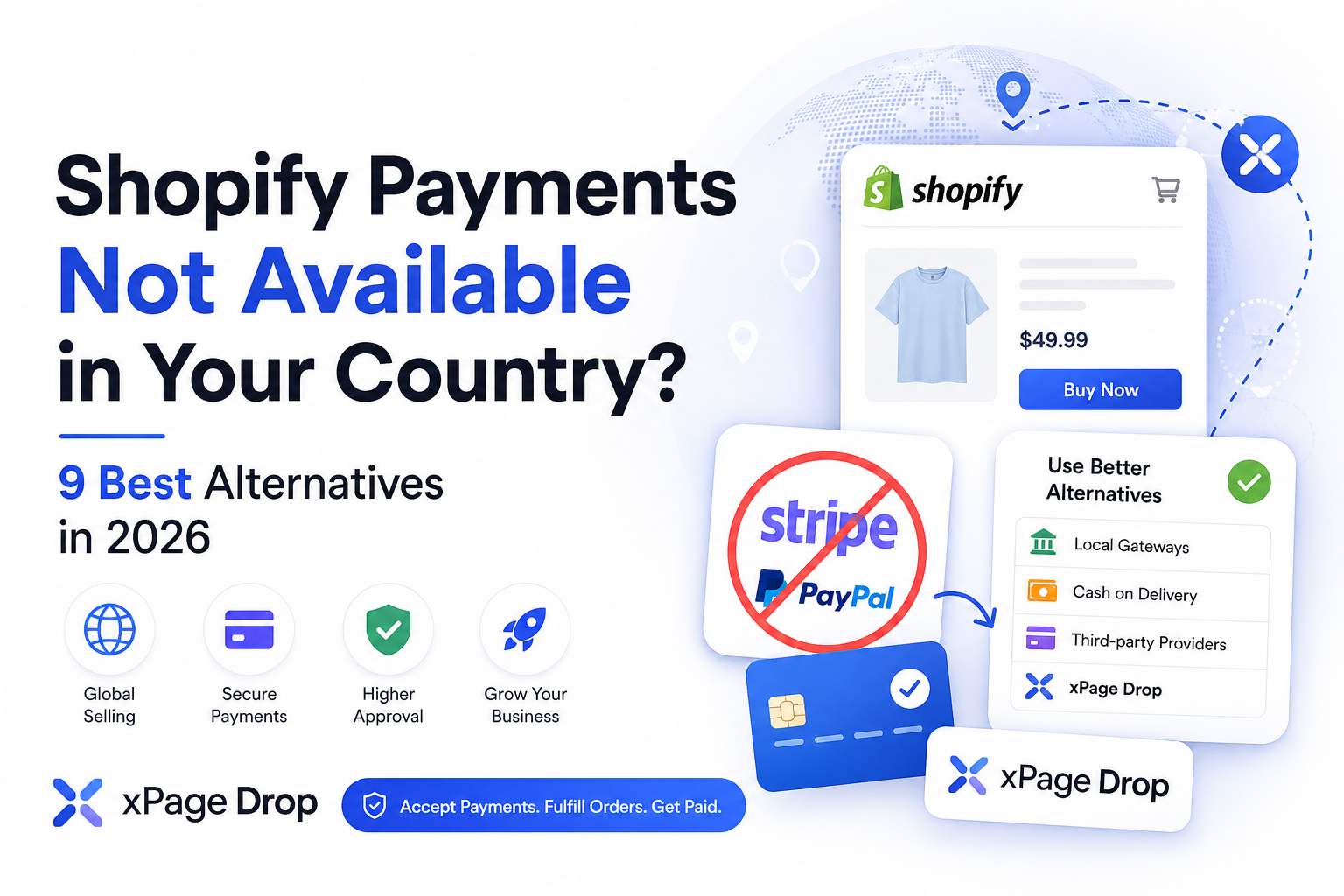
Stripe, Shopify Payments and PayPal are common choices, but they are not available or suitable for every seller.
Stripe only supports businesses located in its supported countries and regions. Shopify Payments also requires the business to operate from an eligible country and meet its product, business and verification requirements. PayPal has broader international availability, but available account features can still differ by market.
Dropshipping sellers may face additional payment challenges because the customer pays before the product is delivered. Long shipping times, weak tracking, supplier problems and poor customer service can increase refunds and disputes.
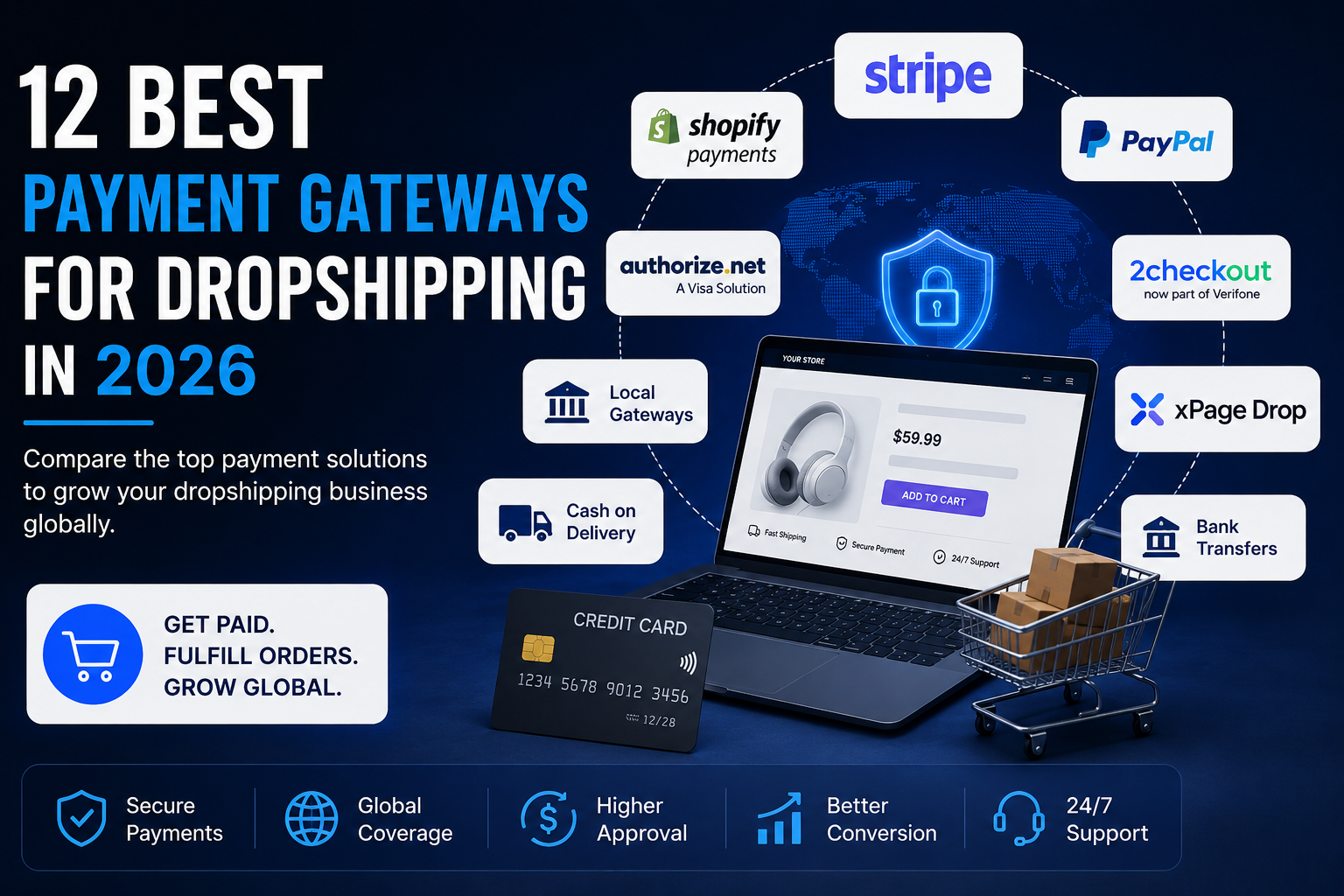
This guide compares the best payment gateways and payment models for dropshipping in 2026.
It includes:
Disclosure: xPage Drop is connected to the publisher of this article. It is included because its managed payment and fulfillment model directly addresses the problems discussed in this guide.
Not every option in this article is technically a payment gateway.
Stripe, Shopify Payments and Authorize.net process online transactions directly. Other options, such as cash on delivery, marketplaces and xPage Drop, use different models.
They are included because they solve the same practical problem:
How can a dropshipping seller collect customer payments and complete orders?
Best for: Managed payments and fulfillment
Payment model: Platform-managed customer payments
Physical products: Yes, subject to eligibility
Fulfillment: Connected to the payment workflow
Seller controls: Products, prices, store content and marketing
Main difference: Customer payments, fulfillment, support and seller payouts are managed together
Best for: Registered businesses in supported countries
Payment model: Direct payment processor
Physical products: Supported, subject to business eligibility
Fulfillment: Not included
Seller controls: Payment account and business operations
Main difference: Flexible online payment infrastructure and developer tools
Best for: Shopify merchants in supported markets
Payment model: Native Shopify payment processing
Physical products: Supported, subject to eligibility
Fulfillment: Not included
Seller controls: Shopify store and payment settings
Main difference: Built directly into Shopify checkout
Best for: Adding a widely recognized payment method
Payment model: Direct PayPal business account
Physical products: Supported, subject to eligibility
Fulfillment: Not included
Seller controls: PayPal account and store operations
Main difference: Customers may pay using PayPal or supported cards
Best for: International payment coverage
Payment model: Payment service provider or merchant-of-record options
Physical products: Supported through eligible plans and underwriting
Fulfillment: Not normally included
Seller controls: Depends on the selected model
Main difference: Cross-border payment processing with broader business-model options
Best for: Established merchants using a compatible merchant account
Payment model: Online payment gateway
Physical products: Supported, subject to approval
Fulfillment: Not included
Seller controls: Merchant account and gateway
Main difference: Traditional card and electronic-check payment infrastructure
Best for: Domestic or regional ecommerce
Payment model: Local card, bank or wallet processing
Physical products: Provider dependent
Fulfillment: Not included
Seller controls: Direct payment account
Main difference: Local currencies, banking systems and payment methods
Best for: Sellers who need more payment flexibility
Payment model: Depends on the connected provider
Physical products: Yes
Fulfillment: Not included
Seller controls: Store, hosting and gateway selection
Main difference: Supports a large ecosystem of payment extensions
Best for: Countries where customers prefer paying after delivery
Payment model: Offline payment collection
Physical products: Yes
Fulfillment: Requires a compatible logistics partner
Seller controls: Store, logistics and confirmation process
Main difference: No online card processor is required
Best for: Wholesale, B2B and high-value orders
Payment model: Manual bank payment
Physical products: Yes
Fulfillment: Not included
Seller controls: Entire payment and fulfillment process
Main difference: Customers pay directly to a bank account
Best for: Sellers willing to operate through an established platform
Payment model: Marketplace-managed payments
Physical products: Subject to marketplace rules
Fulfillment: Platform or seller dependent
Seller controls: Products and operations within marketplace rules
Main difference: The marketplace collects payments and sends seller payouts
Best for: Businesses outsourcing payment and compliance responsibilities
Payment model: The provider becomes the legal seller for supported transactions
Physical products: Only when explicitly supported
Fulfillment: Provider dependent
Seller controls: Product and marketing, subject to the provider’s model
Main difference: The provider manages more legal and payment responsibility than a standard gateway
xPage Drop uses a different model from a traditional payment gateway.
A normal payment gateway processes customer payments for the merchant. The seller is then responsible for paying the supplier, monitoring fulfillment, answering customers, handling refunds and managing their available balance.
xPage Drop connects these stages inside one managed order workflow.
For eligible sellers, the platform handles:
The seller remains responsible for:
The official xPage Drop website describes the service as a managed payment and dropshipping platform where sellers control their stores, products, pricing and marketing while the platform manages payments, fulfillment, support, settlement and payouts.
Not exactly.
xPage Drop should be described as a managed payment and dropshipping platform.
It does not simply provide the seller with a private merchant account or a gateway to install inside another checkout.
Instead, it manages eligible customer transactions and connects them to fulfillment, customer support and seller payouts.
This distinction matters.
A direct gateway gives the seller more control over payment processing. A managed platform handles a larger part of the transaction and order lifecycle.
xPage Drop may fit eligible sellers who:
Eligible sellers can accept customer payments without connecting their own Stripe account.
The seller does not need to depend on a personal PayPal business account for eligible xPage Drop orders.
The order moves from payment collection to supplier fulfillment inside the same operational workflow.
The seller selects the product, controls the selling price, builds the offer and manages advertising.
Payment, order and delivery questions can be managed through the platform’s customer-support process.
Product costs, fulfillment expenses, platform fees, refunds and seller profit can be calculated within one system.
A managed payment model is not suitable for every seller.
The seller does not directly control the underlying payment-processing account.
The platform may apply:
Local legal, business-registration and tax responsibilities can still apply. Using xPage Drop does not remove the seller’s obligation to follow the laws that apply in their country.
Best for: Sellers searching for managed payments and fulfillment rather than only a traditional checkout gateway.
Stripe is one of the most widely recognized payment processors for online businesses.
It provides infrastructure for:
Stripe is available only to businesses located in supported countries and regions. A seller living in an unsupported country cannot legitimately activate Stripe simply by changing the country inside the account.
Stripe can support physical-product ecommerce, but account approval and continued processing depend on the business, country, products and risk profile.
Dropshipping sellers should be prepared to provide information such as:
Stripe should not be treated as guaranteed approval for every dropshipping store.
Best for: Compliant businesses in supported countries that want direct ownership of their payment-processing setup.
Shopify Payments is Shopify’s integrated payment system.
It allows eligible sellers to accept payments without connecting a separate third-party card processor.
Shopify Payments is available only in supported countries and regions. Eligibility also depends on the merchant’s business category, products, documents and compliance with Shopify’s payment terms.
Stripe provides part of the underlying payment infrastructure behind Shopify Payments in several markets, but Shopify Payments remains a separate product controlled through Shopify.
Sellers should not assume that standalone Stripe will automatically appear when Shopify Payments is unavailable.
Best for: Shopify sellers operating from supported countries with eligible products and business documents.
PayPal allows customers and businesses to send and receive payments in many countries and regions.
PayPal states that its services are available across more than 200 countries and regions and support 25 currencies, although receiving, withdrawing and business-account capabilities can differ between markets.
PayPal is often strongest as an additional payment option rather than the only checkout method.
Best for: Sellers who qualify for a PayPal business account and want to offer a familiar wallet alongside other methods.
Verifone 2Checkout offers online payment-processing and merchant-of-record services.
Its available models include payment-service-provider arrangements, where the merchant keeps more responsibility, and merchant-of-record arrangements, where the provider handles more of the transaction and compliance process.
2Checkout lists retail and physical products among the business categories considered during signup. It also states that dropshipping businesses can be required to provide additional information during underwriting.
Best for: International sellers who need broader processing options and are prepared to complete a detailed underwriting process.
Authorize.net is an online payment system and credit-card payment processor.
It supports online card payments and electronic-check payments. Businesses can use it with a compatible merchant account and ecommerce integration.
Best for: Established merchants with a compatible company, bank account and merchant-services setup.
A local payment gateway is a payment provider built around a specific country or region.
These providers may support:
A local gateway can be better than a global processor when most customers are located in the seller’s home country.
Before applying, confirm:
Best for: Sellers targeting customers inside one country or region.
WooCommerce allows sellers to build ecommerce stores on WordPress and connect different payment-gateway extensions.
The official WooCommerce marketplace includes extensions for cards, PayPal, bank methods, wallets and provider-specific integrations. Available features depend on the selected gateway and market.
WooCommerce does not solve country eligibility by itself.
It gives the seller more freedom to connect a gateway that supports their location, but the payment provider still decides whether to approve the business.
Best for: Sellers who need greater technical and gateway flexibility than a closed ecommerce platform provides.
Cash on delivery allows customers to pay when the order arrives.
The store receives the order online, but no card payment is processed during checkout. The delivery company collects the money and later settles it with the seller.
Shopify lists cash on delivery, money orders and bank transfers as common manual payment methods. Shopify also states that it does not charge transaction fees on manual payment methods such as COD and bank transfers.
A COD order should not be counted as completed revenue until the customer accepts the package and pays the delivery agent.
Best for: Sellers operating in markets with reliable COD logistics and strong customer preference for payment at delivery.
Bank transfers allow customers to send money directly to the seller’s bank account.
The seller confirms the payment manually and then processes the order.
Bank transfers are generally better for:
Best for: Businesses selling expensive products, wholesale quantities or customized orders.
Marketplaces such as Amazon, eBay, Etsy and regional commerce platforms collect customer payments within their own ecosystems.
The marketplace deducts its fees and sends the remaining eligible balance to the seller.
eBay, for example, manages payment collection, settlement and seller payouts within its platform.
A marketplace is not a direct replacement for an independent store, but it can solve the immediate payment-access problem.
Best for: Sellers who prioritize access to buyers and built-in payments over complete store control.
A merchant of record becomes the legal seller responsible for the customer transaction.
Depending on the service, the merchant of record may manage:
This model is widely used for software and digital products.
Physical products are more complicated because the transaction also involves:
Many well-known merchant-of-record services focus on SaaS, software and digital goods rather than physical-product dropshipping.
Always confirm that a merchant-of-record provider explicitly supports physical products before applying.
Best for: Businesses whose products, countries and fulfillment model are explicitly supported by the provider.
A direct gateway and a managed platform solve the payment problem differently.
Neither model is automatically better.
A direct payment gateway provides more independence and control.
A managed platform reduces the number of separate systems the seller must connect and operate.
Do not select a provider based only on its advertised transaction fee.
Evaluate the entire payment and fulfillment process.
The provider must accept merchants from your real country.
Do not use:
Incorrect information can lead to payment restrictions and frozen funds.
Check whether customers from your target markets can pay successfully.
A provider may support your business country while offering weak coverage in the countries you target.
Review:
Some payment services focus on software, digital goods or subscriptions.
Verify that the provider supports:
Payment providers commonly restrict products that create legal, reputational or chargeback risk.
Review the prohibited and restricted-product policy before building the store.
Determine whether the provider requires:
Payment timing affects cash flow.
The customer may pay today, but the processor might release the money several days later.
The seller may need to pay for:
before receiving the payout.
A rolling reserve means that part of the merchant’s balance is temporarily held to cover potential refunds and chargebacks.
Understand:
Confirm:
A chargeback happens when the customer disputes a payment through their bank.
Review:
A strong payment gateway cannot repair weak fulfillment.
Poor fulfillment creates:
Before scaling, confirm:
Calculate more than the transaction fee.
Include:
The provider with the lowest advertised rate may not provide the lowest total cost.
A foreign company can provide access to additional payment and banking services.
It can also create:
Do not create unnecessary complexity before validating that customers want the product.
False documents and addresses may temporarily pass an automated form, but payment providers can request further verification at any time.
The risk increases when sales volume begins growing.
The legal account owner becomes responsible for:
This creates financial and legal risk for both parties.
A store can produce strong revenue while running out of cash.
If advertising and suppliers must be paid immediately but customer funds are released later, growth can create a cash-flow crisis.
Payment providers use fulfillment evidence during dispute reviews.
Weak or delayed tracking makes chargebacks more difficult to defend.
Revenue is not profit.
Calculate:
Revenue − product costs − shipping − advertising − payment fees − platform fees − refunds − chargebacks − returns − support − taxes = actual profit
Even established merchants can face reviews.
Build a compliant backup plan before the business becomes completely dependent on one account.
Use Stripe, Shopify Payments, PayPal, Authorize.net or an eligible local gateway.
Investigate local gateways, marketplaces, COD, regional WooCommerce integrations or xPage Drop.
Use xPage Drop when the seller, country and product meet its requirements.
Use Shopify Payments when eligible. Otherwise, review the third-party gateways available inside Shopify.
Use a local gateway or cash on delivery.
Compare Stripe, PayPal and Verifone 2Checkout based on actual business eligibility.
Use bank transfers or a suitable direct merchant account.
Use WooCommerce with a supported regional payment extension.
Use an established marketplace that supports the seller’s country and products.
There is no single payment gateway that is best for every dropshipping seller.
The correct choice depends on:
Stripe, Shopify Payments and PayPal can work well for eligible sellers who want direct control of their payment accounts.
Local gateways can be more practical for domestic ecommerce. Cash on delivery works in markets where customers prefer paying after receiving the package. Marketplaces can collect customer payments for sellers willing to operate inside their ecosystems.
For sellers who cannot access a suitable personal gateway, xPage Drop provides a different model.
Instead of offering only a checkout connection, xPage Drop manages the order lifecycle beginning with the customer payment.
This includes:
Sellers can build stores and product pages through the xPage ecommerce platform. A separate xPage review on SpySales explains the wider store-building platform.
The main distinction is straightforward:
A traditional payment gateway processes the transaction. xPage Drop connects the transaction to fulfillment, support and seller payout.
The best payment gateway depends on the seller’s country, company, products and customers.
Stripe and Shopify Payments can suit eligible registered businesses. Local gateways can suit domestic sellers. xPage Drop may suit eligible sellers who need managed customer payments and fulfillment.
Yes, when the business country, products, company structure and fulfillment model meet Stripe’s requirements.
Using dropshipping does not guarantee approval or rejection. The complete risk and compliance profile matters.
Yes.
Alternatives include:
Yes.
PayPal is an optional payment method. Sellers can accept cards, bank payments, local methods, cash on delivery or managed payments through another provider.
Yes.
Cash on delivery, bank transfers, marketplaces and managed platforms can allow sellers to operate without a traditional personal gateway.
There is no universal gateway for every unsupported country.
The seller should investigate:
Eligibility depends on the seller’s real country, products, documents and target market.
xPage Drop is better described as a managed payment and dropshipping platform.
It manages eligible customer payments and connects them to supplier fulfillment, customer support, settlement and seller payouts.
Eligible sellers do not need to connect their own Stripe account to the managed xPage Drop payment workflow.
Eligible sellers do not need to connect their own PayPal merchant account for orders processed through the managed xPage Drop workflow.
xPage Drop is designed around eligible physical-product ecommerce and dropshipping orders, subject to seller, product, country and compliance requirements.
xPage Drop is designed to reduce the need to create a foreign company solely to access Stripe or PayPal.
This does not remove local business-registration, tax or legal obligations. Sellers must follow the rules that apply in their own countries.
xPage is an AI-powered ecommerce platform for generating online stores and product landing pages.
xPage Drop is the managed selling model that connects eligible customer payments, supplier fulfillment, support, profit settlement and seller payouts.
A payment processor handles transactions for the merchant’s own payment account.
A managed payment platform handles the transaction through its own structured workflow and may also manage fulfillment, support, settlement and payouts.
Cash on delivery can produce more orders in cash-focused markets, but it can also create refusals, fake orders and return-to-origin costs.
Online payments produce confirmed payments before fulfillment but require a suitable processor and stronger customer trust.
Yes.
WooCommerce supports different payment-gateway extensions. The seller can connect a provider that supports their country and business, subject to that provider’s approval.
Yes.
Marketplaces can collect customer payments and send payouts to eligible sellers. The seller must still meet the marketplace’s country, product, fulfillment and verification requirements.